
Essay Writing Features
CB-Essay provides specialized includes that extend Markdown for scholarly writing. This essay demonstrates every feature with working examples you can copy directly into your own work.
The copy-and-replace principle: Find a feature you like, copy the code block, paste it into your essay, and replace the content with yours. That’s it!
Includes below come in two flavors, and the path tells you which: feature/... includes are core CollectionBuilder features. Those that use essay/feature/... includes are built specifically for CB-Essay. Both are used the same way; the path is your only signal for where else you can reuse them.
Basic Markdown
Like all CollectionBuilder content pages, CB-Essay uses markdown for basic writing options:
Headings
## Heading 2
### Heading 3
#### Heading 4
Text Formatting
Bold text with **bold**
Italic text with *italic*
Bold italic with ***bold italic***
Links
Link text with [text](url)
Check out CB’s Markdown glossary entry for resources and tutorials!
Asides (Margin Notes)
Margin notes appear beside your text on desktop, inline on mobile.
Text-Only Aside
Here’s a paragraph with a margin note.This is a margin note providing additional context or commentary. The text continues naturally, and the aside appears in the margin.
Copy this:
{% include essay/feature/aside.html
   text="Your margin note text here" %}
Aside with Collection Item
Collection items can appear in asides with thumbnails.
Click to view

Administration Building, University of Idaho, No. 30 The aside shows a preview of the item with a link to view it.
Copy this:
{% include essay/feature/aside.html
   objectid="demo_001"
   text="Context about this item" %}
Note: The objectid must exist in your collection metadata CSV file.
Media Galleries
Display collection items that, when clicked, open in a full-screen modal viewer.
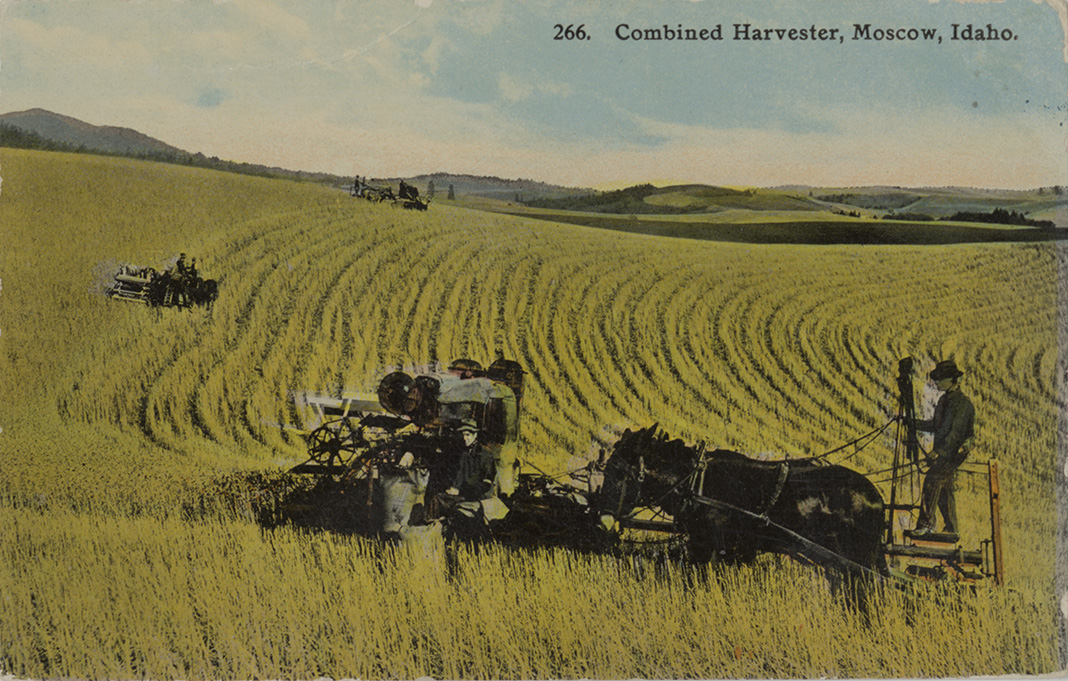
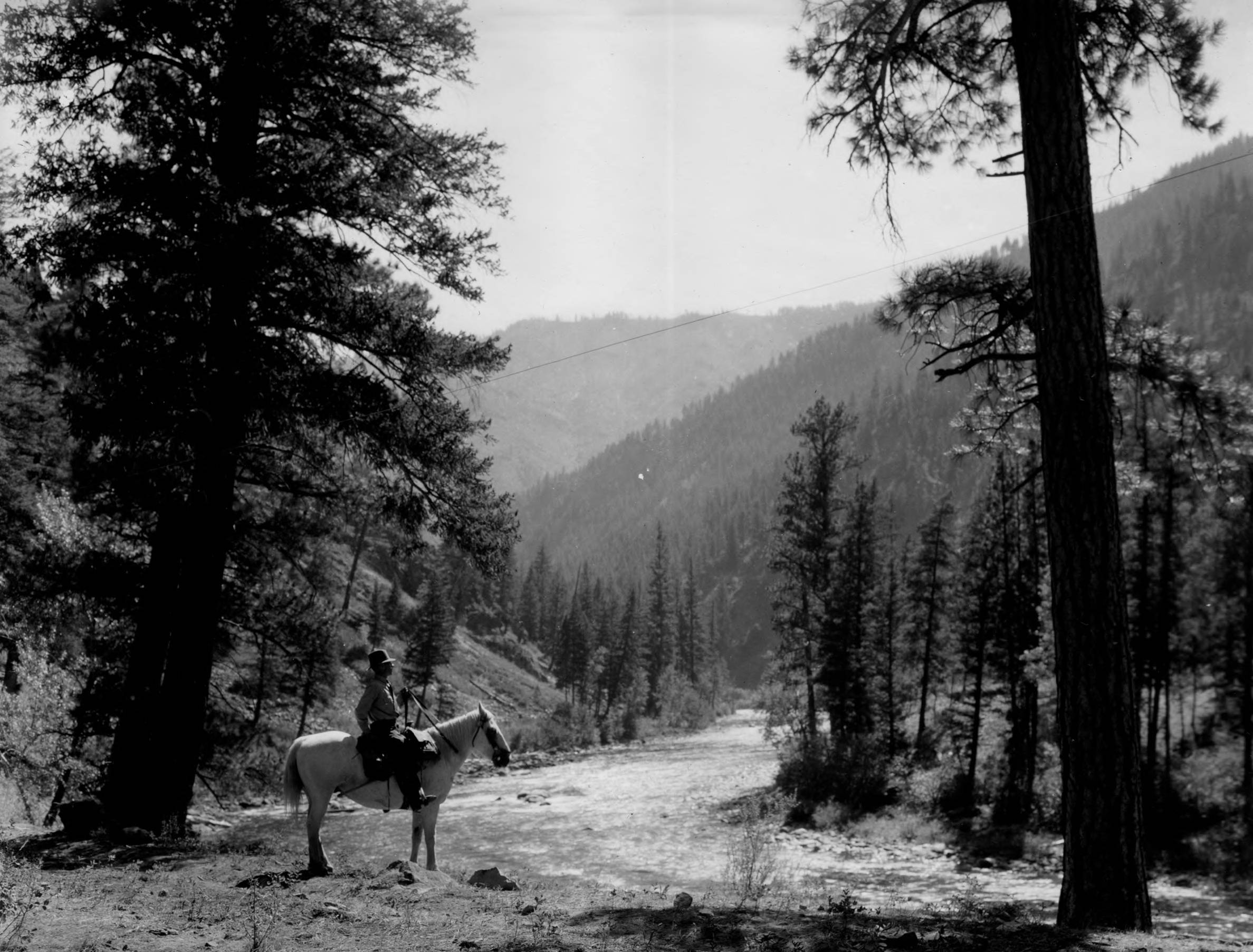

Copy this:
{% include essay/feature/image-gallery.html
   objectid="item1;item2;item3" %}
Gathering multiple pieces: Separate object IDs with semicolons (objectid="item1;item2;item3") to pull several items from your metadata into one gallery — the viewer lets readers step through all of them in sequence.
Mixed Media
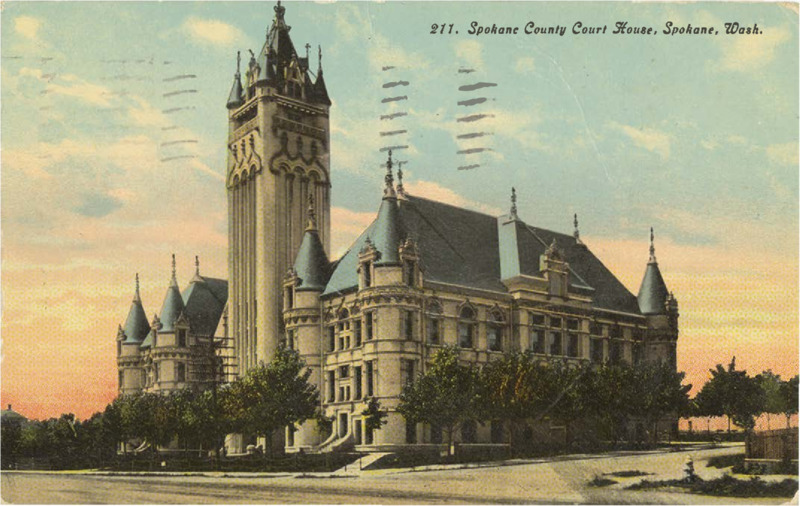
The gallery isn’t limited to images — give it objectids for video, audio, or PDF items and it detects each one’s type automatically:
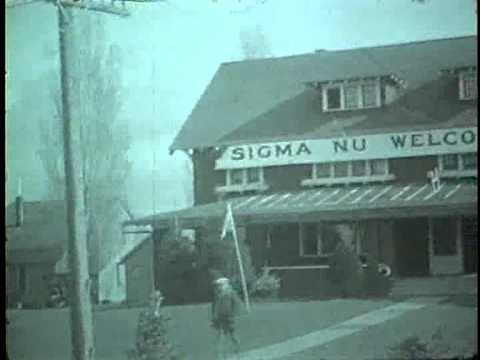
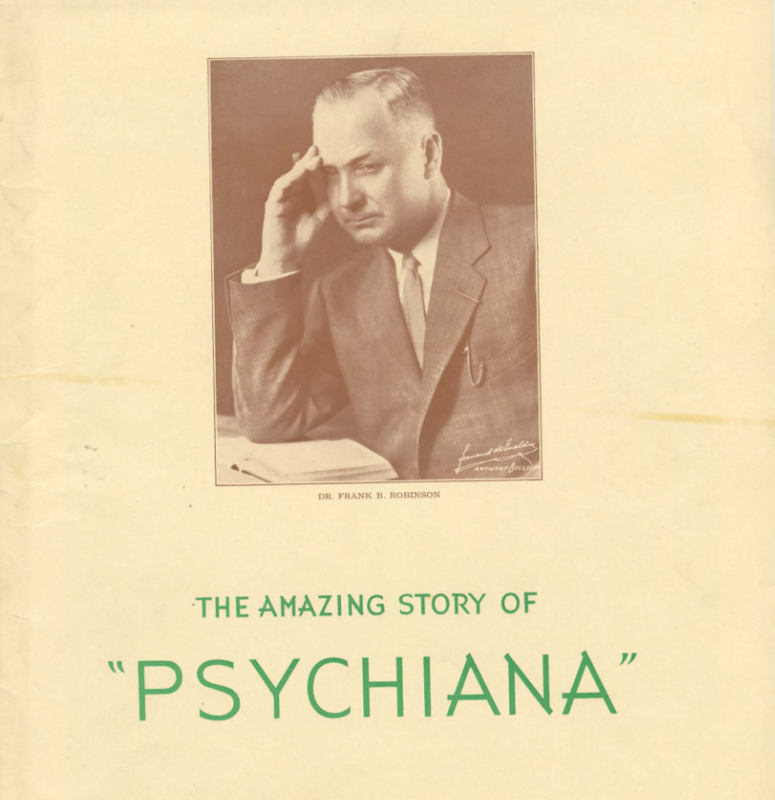
Copy this:
{% include essay/feature/image-gallery.html
   objectid="image_item;video_item;audio_item;pdf_item" %}
Items without a thumbnail (video, audio, PDF) render as a labeled placeholder; clicking opens the correct player — an HTML5 video/audio player or embedded PDF viewer — right in the modal. No separate include per media type needed.
External and Relative Images
objectid doesn’t have to point at your collection — a full URL or a relative path into your own /assets/ folder works too. In that case, always set alt text yourself, and you can add citation details with caption, title, source, and sourcelink:
{% include essay/feature/image-gallery.html
   objectid="/assets/img/writing-plan.jpg"
   alt="Group working on a farm plan writing project"
   caption="Group farm plan writing meeting"
   source="The New York Public Library Digital Collections"
   sourcelink="https://digitalcollections.nypl.org/items/1b0a3fc0-1d42-0139-bac7-0242ac110003" %}
Layout and Captions
width="25"/"50"/"75"/"100"sets the item’s width as a percentage of the container (always full-width on mobile).caption=false(no quotes) hides captions entirely — the same boolean-no-quotes pattern used byborder=falsebelow in Blockquotes.linkoverrides where an item’s image links to, if you don’t want the default (item page for collection items, the image file itself for external/relative ones).
Blockquotes
Styled quotations with optional attribution and source links.
Basic Blockquote
One begins as a student but becomes a friend of clouds
Copy this:
{% include essay/feature/blockquote.html
   quote="One begins as a student but becomes a friend of clouds"
   speaker="Lyn Hejinian" %}
With Source Citation
About suffering they were never wrong, The Old Masters
Copy this:
{% include essay/feature/blockquote.html
   quote="About suffering they were never wrong, The Old Masters"
   speaker="W. H. Auden"
   source="Musée des Beaux Arts" %}
Large Centered Quote with No Border
All, all can be lost
Copy this:
{% include essay/feature/blockquote.html
   quote="All, all can be lost"
   size="xl"
   speaker="Louise Glück"
   align="center"
   border=false %}
Size options: sm, md, lg, xl, xxl
Align options: left, center, right
Section Transitions
Create visual breaks between major sections using scrollama transitions.
New Major Section
The section break above creates a visual pause and scroll-triggered transition effect. This helps structure long essays into distinct parts.
Copy this:
{% include essay/new-section.html %}

## Your New Section Title

Content continues here...
Use sparingly - 3-4 sections per essay maximum for best effect.
Scrollytelling Blocks
Pin an image while narrative text panels scroll over it — the StoryMaps / scrolly-explainer pattern. Here’s a two-panel taste of it:
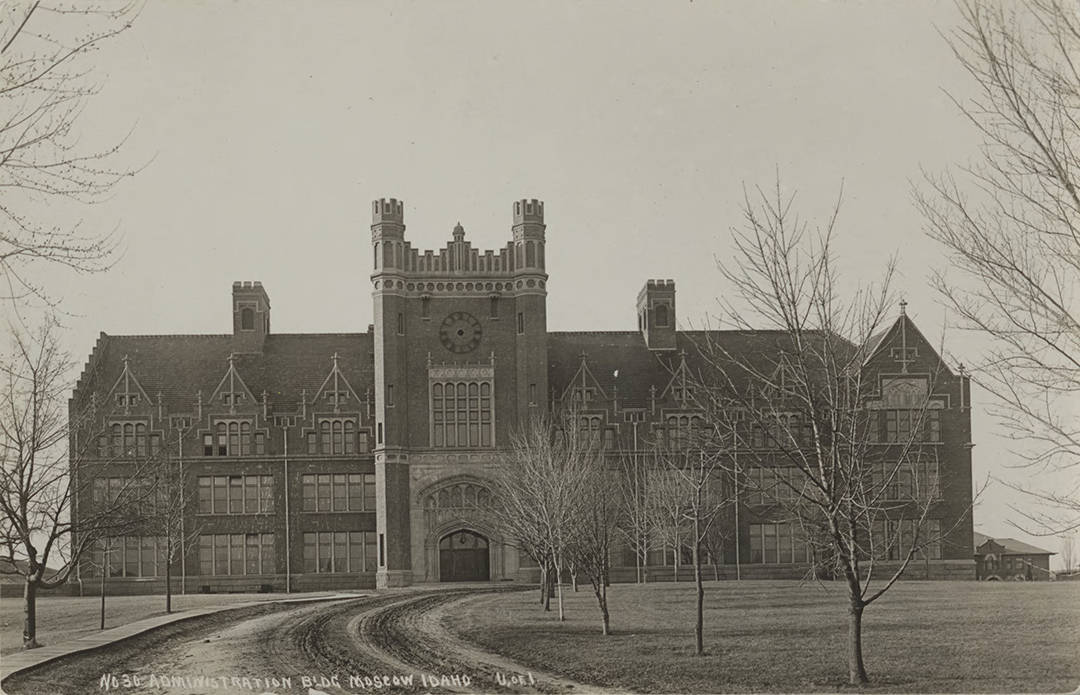
Panel 1. The image fills the frame while this text scrolls over it — no JavaScript wiring required on your end.
Panel 2. Scrolling into view swapped the image. You can keep adding panels, each optionally swapping to a new image.
{% include essay/feature/scrolly-media.html objectid="your_first_image" alt="Description" %}

First panel text.

{% include essay/feature/scrolly-step.html objectid="your_second_image" %}

Second panel text. Image swaps when this enters view.

{% include essay/feature/scrolly-end.html %}
This is the tip of the iceberg — zoom/pan/Ken Burns animation, sidecar layout, video and interactive map backgrounds, and full parameter tables all live in the next essays:
Scroll-Based Features → for a short overview, or jump straight to the Scrolly Media Gallery and Scrolly Map Gallery for every variant.
Timelines
For essays with chronological elements, embed the full timeline. This will display all the items from your underlying collection as a TimelineJS feature:
{% include feature/timelinejs.html %}
For more on how to customize this feature, see our CollectionBuilder documentation.
Subject Clouds
Visualize subject keywords from your collection:
{% include feature/cloud.html fields="subject" %}
For CollectionBuilder’s full feature set — browse, timeline, subject clouds, and metadata configuration — see the CollectionBuilder documentation.
Mini Maps
Embed small maps at specific coordinates.
Copy this:
{% include feature/mini-map.html
   latitude="46.727485"
   longitude="-117.014185"
   map-zoom="18"
   caption="This is the library where I work!" %}
Finding coordinates:
- Right-click location on Google Maps → Click coordinates to copy
- Or use LatLong.net
Zoom levels: 1 (world) to 18 (street level)
Aside Maps
A mini-map embeds inline; an aside map instead puts a small pin button in the margin that opens a full interactive map in a modal — useful when you want to mention a location without breaking up the page with an embedded map.
Here’s Hell’s Half Acre Lookout.
Hell’s Half Acre Lookout
Click the pin to open the modal.
Copy this:
{% include essay/feature/aside-map.html
   latitude="45.64579"
   longitude="-114.62838"
   location="Hell's Half Acre Lookout"
   map-zoom="12" %}
You can also seed it from a collection item’s coordinates with objectid, customize the trigger with button and color, and add a “View on Full Map” link with map-link=true:
{% include essay/feature/aside-map.html
   objectid="demo_008"
   button="View Location"
   color="primary"
   map-link=true %}
Combining Features
You can combine multiple features for rich, scholarly presentations — mixing essay-only and site-wide includes freely:
Example: Blockquote + Aside + Map
I went to the woods because I wished to live deliberately
Thoreau’s cabin was located on the shores of Walden PondThe cabin measured 10 feet by 15 feet and cost $28.12 to build. in Concord, Massachusetts, where he lived from 1845 to 1847.
The location provided the solitude Thoreau sought for his philosophical experiment in simple living.
Print & PDF Output
Most features work in print PDFs. Blockquotes, asides, images, and section breaks all render beautifully. Mini-maps and videos are web-only and won’t appear in print.
Visit the Print Hub to generate PDFs in Letter, A4, or 6×9″ formats. See the Print Guide for complete details including margin note styles, page formats, and accessibility features.
Next Steps
Scroll-Based Features → for scrollytelling, or skip ahead to Publishing, Printing & Reading →.
You can also get answers to your questions with our online documentation.
Ready to put these features to use? Start your own project.
Use This Template →