Welcome to CB-Essay
CB-Essay is a free, open source publishing framework that lets you write with, on, and for the web while keeping complete control over how your work appears online and in print.
The idea for the tool, and many of its design elements, came out of our working with graduate students on digital theses the past couple of years. We’ve encouraged users of CollectionBuilder to write with their collections since we first started promoting the framework in 2019, but these (CDIL) Grad Fellows needed us to flip our setup around — featuring their essays on top, with CollectionBuilder living underneath.See Sedimentation, Tender Spaces, and Fire Lines.
We liked the results and decided to try to make them more available through this new template. The mini-essays below will walk you through the system and get you started.Click below to start now: Use This Template →
So What Does It Do?
CB-Essay is a Jekyll-based framework that combines long-form essay writing with digital collection features. Built on CollectionBuilder, it enables you to create multimodal scholarly narratives, written in Markdown, that integrate primary sources, archival materials, and multimedia items directly into your texts.
Traditional digital publishing tools treat essays and collections as separate entities. CB-Essay connects them, allowing you to:
- Reference collection items using simple includes
- Create asides and margin notes that link to primary sources Like this!
- Publish your work for free on GitHub
- Generate well-designed print and pdf outputs using PagedJS.
- Choose from 8 accessible color/font themes or create your own custom theme
- Fashion the readers’ experience through scroll-based interactions and coordinated typography Keep scrolling to see the next section magically appear!
How Does It Work?
CB-Essay operates on a dual-collection model:
- Essay Collection - Your narrative content lives in the
_essay/folder as Markdown files - Object Collection - Primary sources and items defined in a CSV metadata file
The dual collection model lets you write with your collection of sources, allowing you to integrate references, images, documents, recordings, and videos seamlessly into your writing and into the web.
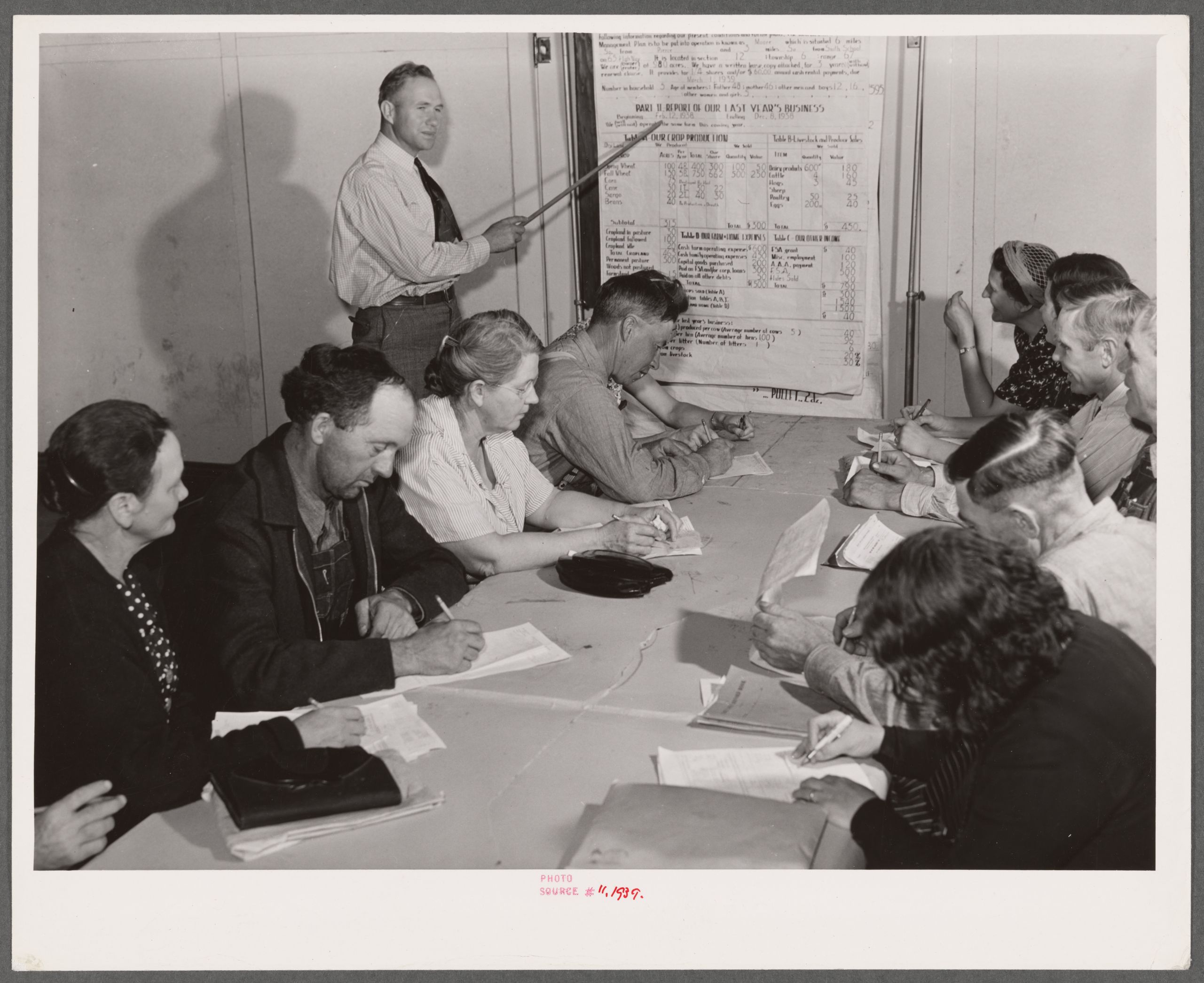
Just follow the plan, as detailed in the below image.Below image credits: The Miriam and Ira D. Wallach Division of Art, Prints and Photographs: Photography Collection, The New York Public Library. ‘Group farm plan writing meeting. Weld County, Colorado’ The New York Public Library Digital Collections. https://digitalcollections.nypl.org/items/1b0a3fc0-1d42-0139-bac7-0242ac110003
Who Should Use CB-Essay?
If you’re reading this, it’s probably you! (Just make a copy of this repostory and drop your own content inside.) But yeah, it’s meant for:
- Digital humanists creating annotated editions or critical apparatus
- Historians presenting narrative alongside primary sources
- Educators building interactive course readers
- Archivists creating context around collections
- Writers publishing long-form digital scholarship
- Students looking to improve their knowledge of web and print design
Click to view
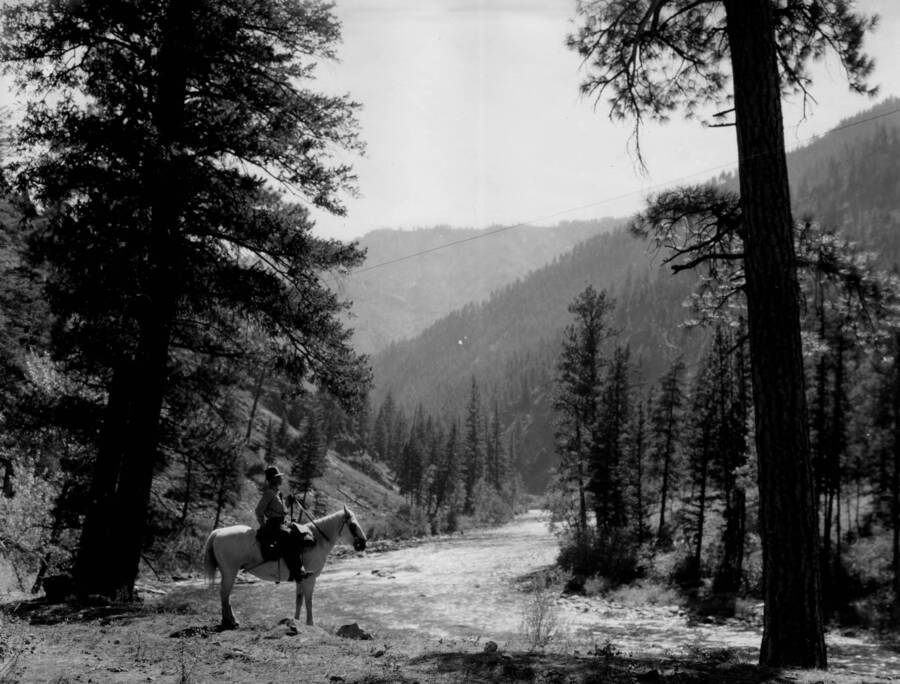
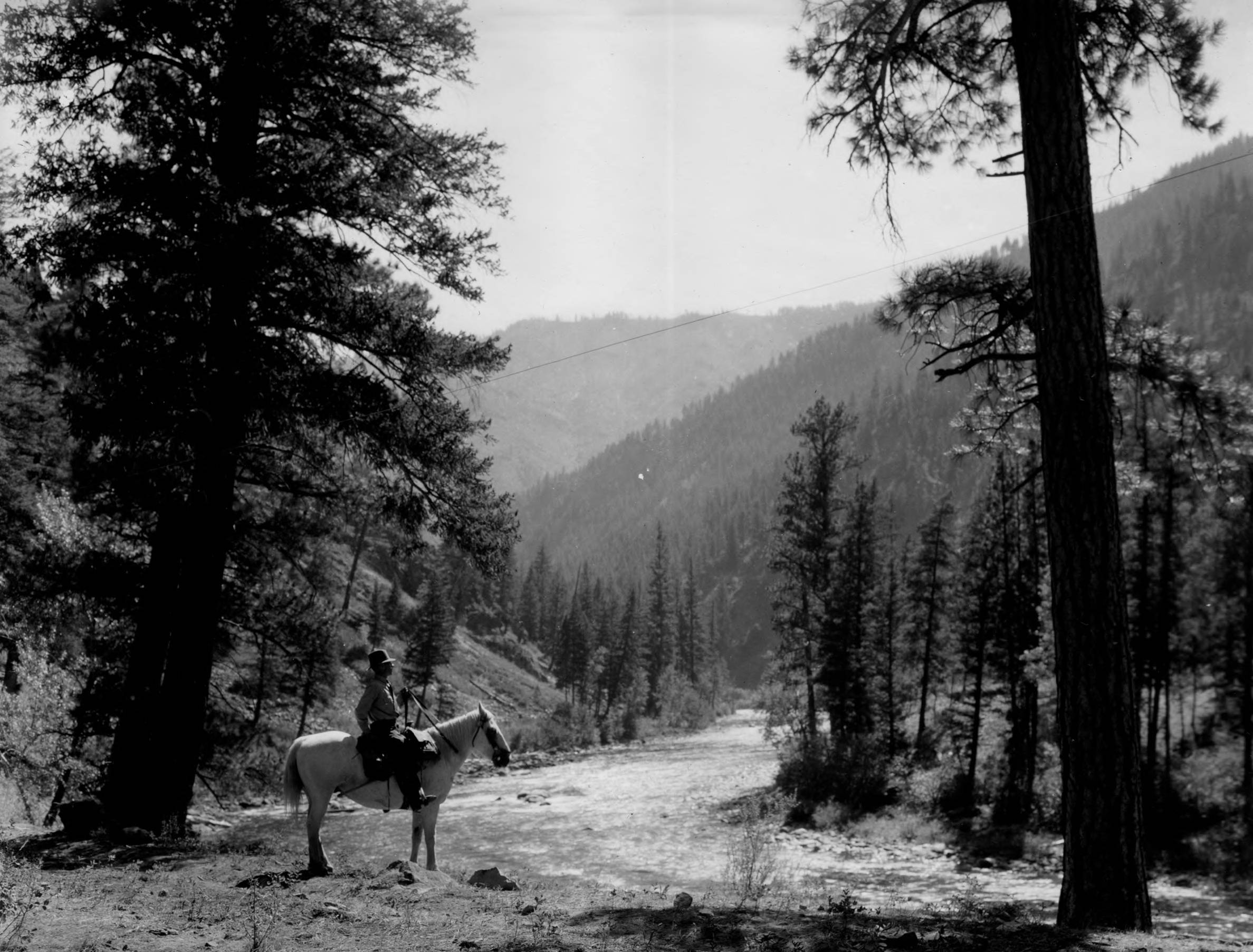
Even mounted forest rangers should use this tool!
Bonus: Project Gutenberg Extractor
Want to publish a public domain book instead of writing from scratch? Our GitHub Action extracts any of 60,000+ books from Project Gutenberg directly into your _essay/ folder, pre-formatted and ready to go.
See Extracting a Book from Project Gutenberg for a full before/after walkthrough.
Next Steps
Check out some examples sites, then get started. The remaining essays show off CB-Essay in the wild, and then walk you through setting up your first site and understanding the features.
- See Examples - See CB-Essay as used for DH projects and in demonstration
- Get Started - Set up your first essay in 10 minutes
- Extracting a Book from Project Gutenberg - Publish a public domain book in minutes
- Essay Writing Features - Learn and copy all available features
- Publishing, Printing & Reading - Print, search, deploy, and share your work
Or jump straight to the documentation for reference guides.
Ready to start your own CB-Essay project?
Use This Template →