Scroll-Based Features
CB-Essay’s scrollytelling blocks pin an image (or map) in the viewport while narrative panels scroll over or beside it. Every block follows the same three-include pattern:
{% include essay/feature/scrolly-media.html objectid="your_image" %}

First panel text.

{% include essay/feature/scrolly-step.html objectid="next_image" %}

Second panel text.

{% include essay/feature/scrolly-end.html %}
Immersive Layout
The immersive layout fills the full viewport with a pinned image. Panels float over it in frosted cards. Scroll slowly and watch the panel fade in when it crosses the trigger line.
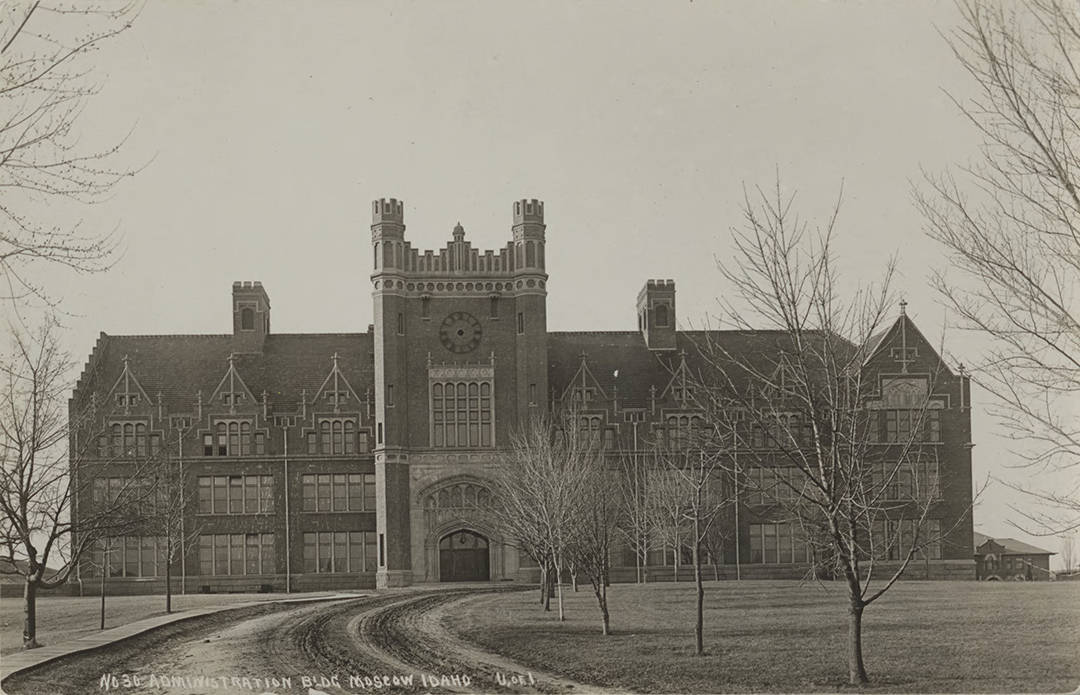
Left panel is the default. The card appears on the left side of the frame with a light semi-transparent background.
Center panel. Add position="center" to center the card — useful for brief captions or dramatic statements.
Right panel with dark card. position="right" text-background="dark" shifts the card right and inverts it. The image swaps as this panel enters view.
Sidecar Layout
The sidecar layout pins the image on the right at a smaller scale while text panels scroll on the left, instead of full-bleed over the image. Good for objects with multiple sides or facing pages.
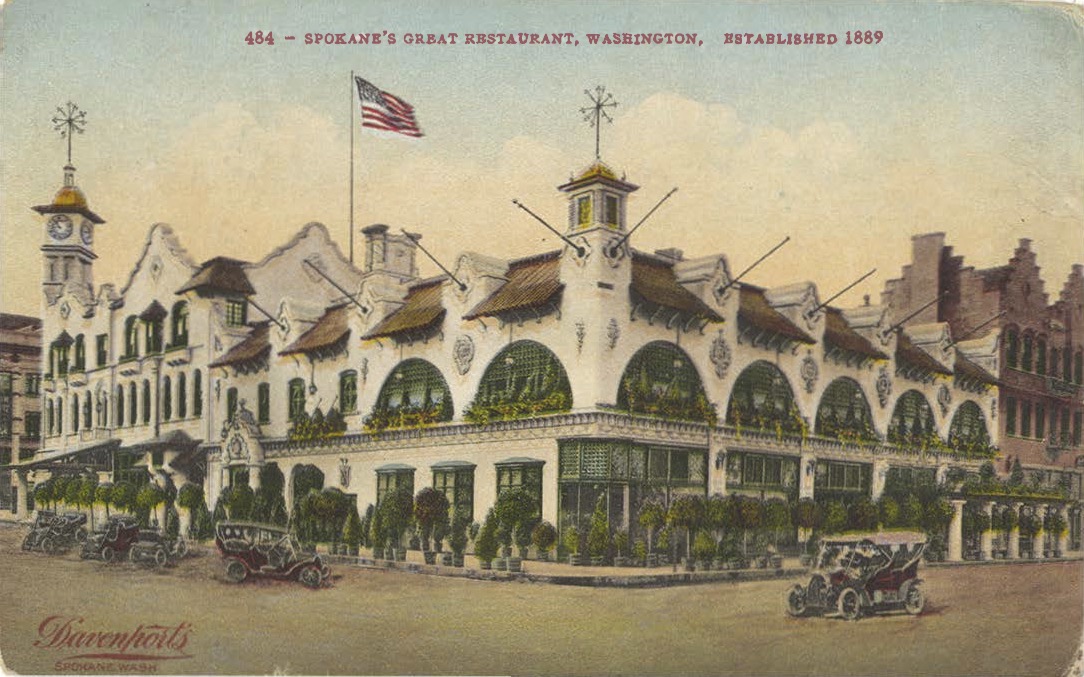
The front of an archival postcard, pinned on the right while this text scrolls on the left.
The reverse side. Swapping images in sidecar feels like turning a page.
Map Background
Swap scrolly-media.html for scrolly-map.html to pin an interactive Leaflet map instead of an image — steps fly, pan, or jump between locations as they scroll into view.
Moscow, Idaho → Hell's Half Acre Lookout
Starting over the University of Idaho campus in Moscow, Idaho.
The map flies to Hell’s Half Acre Lookout, roughly 100 miles southeast, as this panel enters view — no page reload, just an animated flyTo.
What Else Is Possible
That’s the whole mechanism — everything past this point is a variation on those same three includes, including the sidecar and map patterns demonstrated above:
- Animation —
animate="zoom-in",zoom-out,pan-left,pan-right, orken-burnsadds scroll-linked motion to the pinned image. image-focus— targets which part of the image stays in frame, and where zoom animations pull toward.- Video backgrounds — swap in a
.mp4/.webm/.oggfile or a video collection item; it autoplays, loops, and is muted. step-height— controls how far a reader scrolls before the next panel triggers, per block or per panel.- More map options — basemap switching mid-scroll, curated or collection-wide markers with auto-opening popups, and interactive sidecar maps the reader can drag and zoom.
Each of these gets a full live demonstration, one variant at a time, in the two galleries below:
→ Scrolly Media Gallery — every animation, image-focus, sidecar, and video variant, live, with full parameter tables and copy-paste code.
→ Scrolly Map Gallery — every map transition, basemap switch, and marker option, live, with full parameter tables and copy-paste code.
For the condensed parameter reference without the live demos, see the Scrollytelling section of the documentation.